

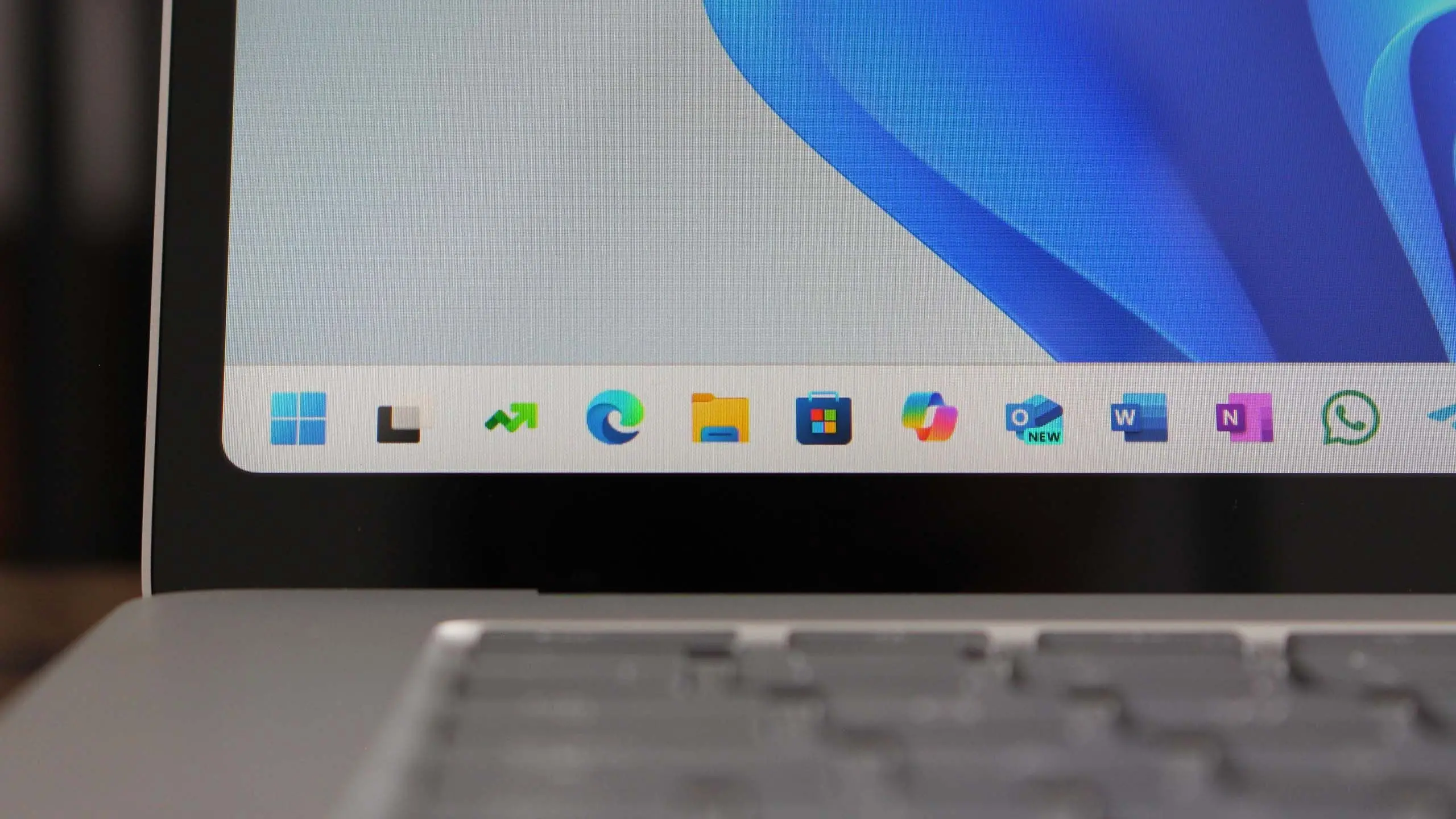
Microsoft continues to refine its Windows operating system with the upcoming Windows 11 version 25H2, the next major feature update expected to roll out in the second half of 2025. Building on the foundation laid by version 24H2, this release focuses on deeper AI integration, improved user experience, and performance enhancements. Here’s everything you need to know about Windows 11 25H2, including its expected release date, key features, system requirements, and how it compares to previous versions.
Release Timeline and Naming
Windows 11 version 25H2 follows Microsoft’s annual feature update cadence, with the “25” indicating the year 2025 and “H2” representing the second half of the year. Based on historical patterns, Microsoft typically begins rolling out major updates in September or October, often starting with a preview release for Windows Insiders in the summer. The company has not officially confirmed a specific date, but industry analysts expect the general availability (GA) to occur around October 2025. This timing aligns with Microsoft’s strategy of delivering one feature update per year for Windows 11, moving away from the biannual updates of Windows 10.
For enterprise clients, the update will likely be available through Windows Update for Business, Microsoft Endpoint Configuration Manager, and volume licensing channels. Home and Pro users on unsupported devices will still be able to install the update via the official ISO media creation tool, though Microsoft continues to recommend compatible hardware for optimal performance.
Key New Features and Enhancements
Windows 11 25H2 is shaping up to be a significant update with several headline features, many of which leverage artificial intelligence. Here are the most anticipated additions:
AI-Powered Copilot Integration
Microsoft is doubling down on its Copilot AI assistant, which is expected to become a more integral part of the desktop experience. In 25H2, Copilot may gain deeper system integration, allowing it to control not just apps but also system settings, file management, and multitasking layouts. Users could ask Copilot to “organize my windows side by side” or “create a focus session for work” and have the OS respond dynamically. Additionally, real-time AI enhancements for search, photo editing, and live captions are likely to debut, building on features introduced in 24H2.
Advanced Multitasking with Desktops and Snap Layouts
Microsoft is refining the virtual desktop experience. Version 25H2 is rumored to introduce “Desktop Profiles” that allow users to save different desktop configurations (apps, wallpapers, layouts) and switch between them with a single click. Snap Layouts, already popular for window management, may become even more intuitive, with support for custom grid sizes and persistent snap groups across multiple monitors. The taskbar is also expected to receive updates, including the ability to show labels for running apps without third-party modifications.
Security and Privacy Improvements
Security continues to be a focus. Windows 11 25H2 is expected to enhance the built-in Microsoft Defender, with improved ransomware detection and a more configurable firewall. The update might also introduce “Zero Trust” features at the OS level, such as automatic device isolation when suspicious network activity is detected. Privacy controls are getting a revamp: users will likely see a new “Privacy Dashboard” that aggregates all data settings and app permissions in one place, making it easier to manage what information is shared with Microsoft and third parties.
File Explorer and Storage Enhancements
File Explorer, which received a modern interface in 24H2, will see further refinements. A new “Gallery” view for photos and images, faster search indexing, and better integration with cloud services like OneDrive and Google Drive are expected. Version 25H2 may also introduce a “Storage Cleaner” tool that not only removes temporary files but also suggests archives for files not accessed in months, helping users reclaim disk space automatically.
Performance and Power Efficiency
Under the hood, Microsoft is optimizing the operating system for both performance and battery life. The update is anticipated to include better thread scheduling for hybrid CPUs (like Intel’s Core Ultra and AMD’s Ryzen 7040 series), reduced background resource usage, and faster wake-from-sleep times. For gamers, DirectX 13 might debut alongside 25H2, bringing improved ray tracing, variable rate shading, and efficiency gains for laptop gaming.
System Requirements and Compatibility
Windows 11 version 25H2 will maintain the same minimum hardware requirements as the original Windows 11 release: a compatible 64-bit processor with at least 1 GHz clock speed and 2 cores, 4 GB of RAM, 64 GB of storage, UEFI with Secure Boot, TPM 2.0, and a DirectX 12-compatible GPU. However, some new features, especially those relying on AI, may require specific hardware. For example, Copilot’s advanced local processing might need a neural processing unit (NPU), which is present in new Intel Core Ultra and AMD Ryzen 8000 series chips. Similarly, real-time video effects (background blur, eye contact) will still require a supported GPU.
While the official compatibility list won’t change, users with older PCs (e.g., 7th-gen Intel or first-gen Ryzen) will continue to be blocked from receiving the update through Windows Update unless they perform a clean install. Microsoft continues to advise against installing Windows 11 on unsupported hardware due to stability and security risks.
Deprecated and Removed Features
With every update, Microsoft retires some legacy components. In 25H2, expect the following to be removed or deprecated:
- Windows Subsystem for Android (WSA) – Microsoft confirmed it will end support for running Android apps on Windows, citing low usage and competition.
- Legacy Control Panel – More settings from the classic Control Panel will be migrated to the Settings app, though some advanced networking and user account options may remain.
- WordPad – Already removed in 24H2, it will not return. Users will rely on Notepad or Microsoft Office for rich text editing.
- Timeline History – The feature that syncs activity across devices will be disabled, though timeline basics within a single device remain.
Microsoft is also streamlining the search experience by removing the ability to perform web searches from the taskbar in some regions, directing users to Edge for web results.
Impact on Enterprise and IT Administrators
Businesses should start planning for the 25H2 rollout now. The update will include several enterprise-focused improvements: a new Windows Autopilot experience for easier device setup, enhanced Microsoft Intune integration, and better support for Windows 365 Cloud PCs. Group Policy management is being updated with new settings for Copilot and AI features, allowing administrators to control whether employees can use AI tools. The update will also introduce “Windows Resiliency” – a set of mechanisms to automatically recover from system file corruption and driver failures without user intervention.
IT teams should begin testing 25H2 in their lab environments as soon as the Insider preview becomes available. Key compatibility areas include antivirus software, VPN clients, and line-of-business applications that might be affected by security improvements.
How to Prepare for Windows 11 25H2
To ensure a smooth upgrade, users and IT admins should take the following steps:
- Back up important data – While upgrades are designed to keep files intact, unexpected issues can occur.
- Check hardware compatibility – Use the PC Health Check app or manually verify TPM 2.0 and Secure Boot are enabled.
- Update drivers and firmware – Especially for graphics, network, and storage controllers.
- Free up disk space – The update may require up to 20 GB of free space for installation.
- Review privacy and Copilot settings – Decide in advance if you want AI features enabled or disabled.
Microsoft will likely announce a specific release date at its Build 2025 conference or during a future Windows event. Insiders can expect the first beta builds to land in early 2025, offering a glimpse of what’s to come.
The Future of Windows Beyond 25H2
While 25H2 is the immediate focus, Microsoft is also working on longer-term projects. Rumors of a “Windows 12” have circulated, but recent statements from the company indicate that Windows 11 will remain the current platform for several more years, with continuous updates bringing new features. Version 25H2 could be the last major update before a potential shift in branding, though Microsoft has not confirmed any changes. For now, 25H2 represents the cutting edge of what Windows offers, with a clear emphasis on AI and cloud integration.
As the release approaches, expect more detailed changes to be announced through the Microsoft Windows Blog and Insider channels. Whether you’re a home user excited about AI assistance or an IT pro focused on security and manageability, Windows 11 version 25H2 promises to deliver meaningful improvements that keep the operating system competitive in a rapidly evolving tech landscape.
Source: Windows Central News